
Bluemoon Image Toolkit
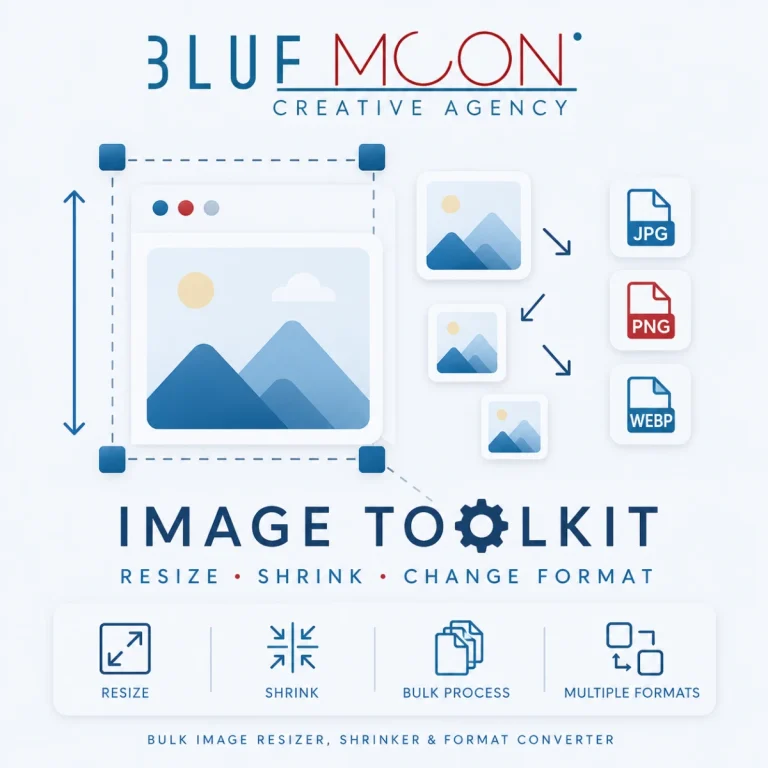
Upload & Edit Images
Resize, Compress & Convert Images Instantly
Drag & Drop Images Here
bluemoon creative agency
User-Friendly Interface
The Bluemoon Image Toolkit is designed with user experience in mind, offering a straightforward and intuitive interface. Users can easily navigate through the various features without any technical expertise, making it accessible for everyone from beginners to seasoned professionals.
The drag-and-drop functionality allows users to upload images quickly, while clear labels and instructions guide them through the editing process. This simplicity enhances productivity, enabling users to focus on their creative tasks rather than getting bogged down by complicated software.
Quality Settings for Optimal Results
When using the Bluemoon Image Toolkit, users have the ability to adjust quality settings to optimize their images for different purposes. Whether it's for web use or print, the toolkit provides options to ensure that images maintain their integrity and visual appeal.
For example, users can choose to compress images for faster loading times on websites without sacrificing quality. This feature is particularly beneficial for digital marketers looking to enhance their online presence while ensuring a seamless user experience.
Supported Output Formats
The toolkit supports a variety of output formats, catering to diverse user needs. Whether you need images in WEBP, JPG, or PNG formats, the Bluemoon Image Toolkit has you covered, allowing for versatile applications across different platforms.
This flexibility is crucial for content creators who may need to adapt images for social media, websites, or print materials. By offering multiple formats, the toolkit ensures that users can easily integrate their images into any project without compatibility issues.
Additional Features and Tools
In addition to resizing, compressing, and converting images, the Bluemoon Image Toolkit includes a range of additional features designed to enhance the editing experience. Users can apply filters, adjust brightness and contrast, and even add text overlays to their images.
These features empower users to create visually striking content that stands out in the digital landscape. Whether for marketing campaigns or personal projects, the toolkit provides the necessary tools to elevate image quality and engagement.
